
Download i-Studio – audio conversion, video conversion, iTunes compatibility, Apple device support, media format converter
Overview
- Supports DivX, WMV, Ogg, MP3, and other common audio/video formats
- Direct export to iTunes for immediate library integration
- Optimization of audio CDs, DVD soundtracks, and audiobooks
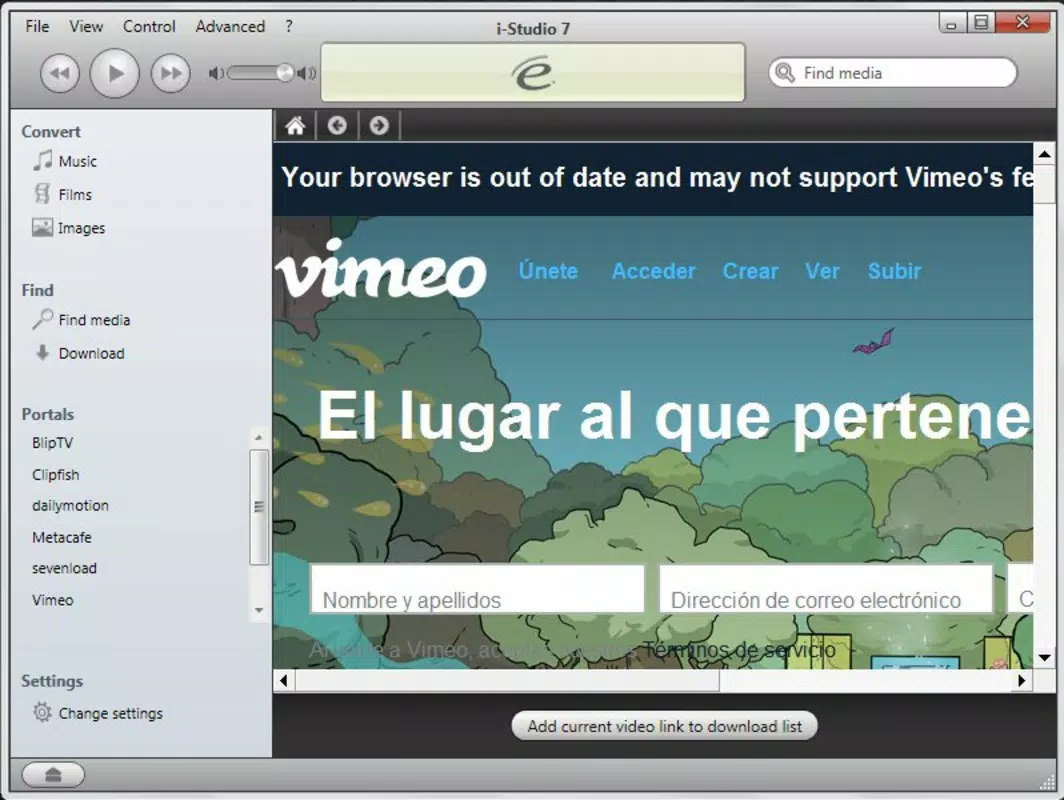
- Compatibility with Vimeo and ClipFish content
- Intuitive interface for users of all experience levels
Interface, UX & Performance
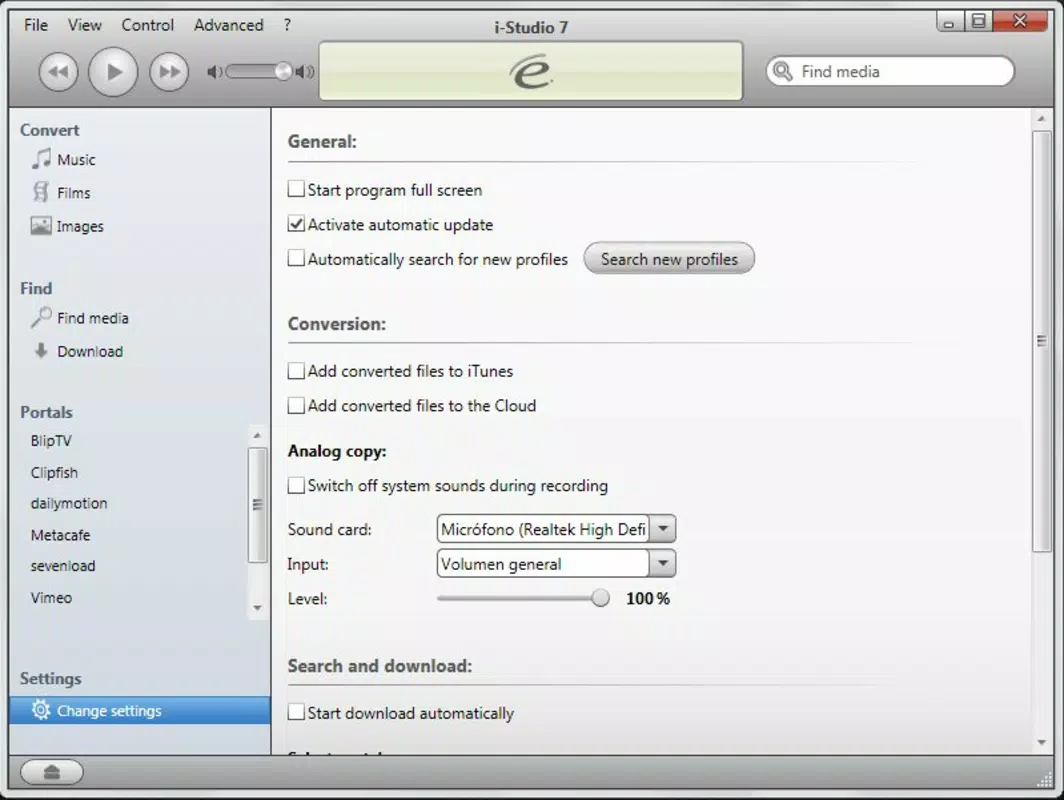
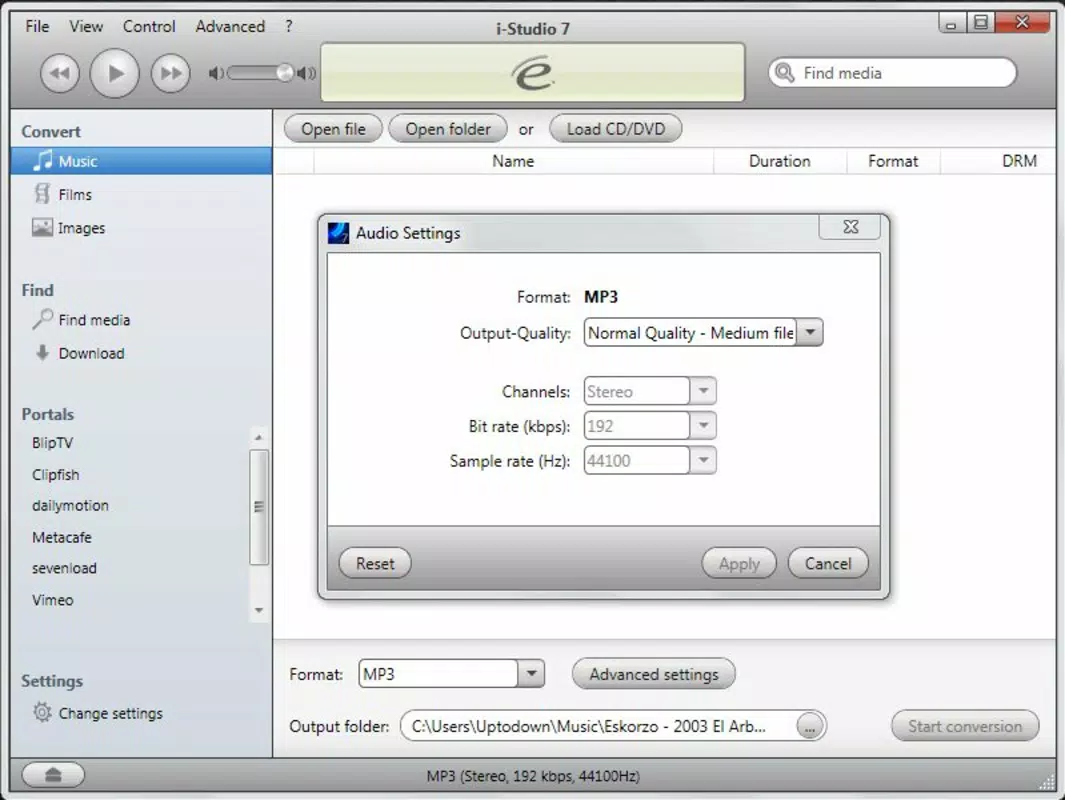
The user interface of i-Studio 7 is designed with usability in mind, featuring a clean layout that prioritizes accessibility. Navigation is straightforward, with clearly labeled options for file import, format selection, and export settings. The visual style remains functional without unnecessary embellishments, focusing on clarity and task efficiency. Users can import media files through a simple drag-and-drop mechanism or file browser, followed by selecting target formats and destination paths. The conversion process is initiated with minimal input, and progress is displayed in real time, allowing users to monitor completion status. Although the developer did not list formal performance metrics, the application’s lightweight footprint of 24.4 MB suggests efficient resource usage. The software performs reliably on standard Windows systems, with responsiveness maintained during both file import and conversion. Stability appears consistent across typical use cases, though no specific testing data was provided. The lack of reported crashes or errors in the available documentation indicates a stable user experience. Compatibility with different device categories was not fully disclosed, but the app’s focus on legacy Apple hardware implies broad support for older models. Overall, the UX is optimized for simplicity, making it accessible to non-technical users.Platform Compatibility & Technical Requirements
i-Studio 7 is designed for the Windows platform, with no information provided on specific operating system versions. The developer did not specify minimum OS requirements, nor did they list compatibility with newer Windows releases. The application’s file size is 24.4 MB, indicating a lightweight installation that requires minimal disk space. Although the developer did not disclose exact system specifications, the app’s modest size suggests it is optimized for systems with moderate hardware capabilities. Users are advised to ensure their Windows environment supports the application, particularly if using older or less common configurations. No additional dependencies or runtime environments were mentioned in the available data. Compatibility with Apple devices is confirmed through functionality, but no details were provided on supported models or iOS versions. The app’s ability to convert files for iPhones, iPods, and Macs implies broad hardware compatibility. However, specific model requirements or limitations were not outlined. Users should verify their device’s format support independently, as the software does not include built-in device detection.Pros and Cons
- Extensive format support for audio and video files
- Direct integration with iTunes for seamless media library management
- Optimization tools for audio CDs, DVDs, and audiobooks
- Support for external streaming platforms like Vimeo and ClipFish
- Lightweight installation at 24.4 MB
- Price point of $49.99 may be considered high for a single-purpose tool
- No information on updated OS compatibility or future support
- Limited documentation on system requirements and device specifications
- Release date of 2013 suggests potential outdated technology
- No mobile or macOS version available


